
How to cancel the allocation if a bill and an incoming payment record is incorrectly linked?
Step 1:
Step 2:
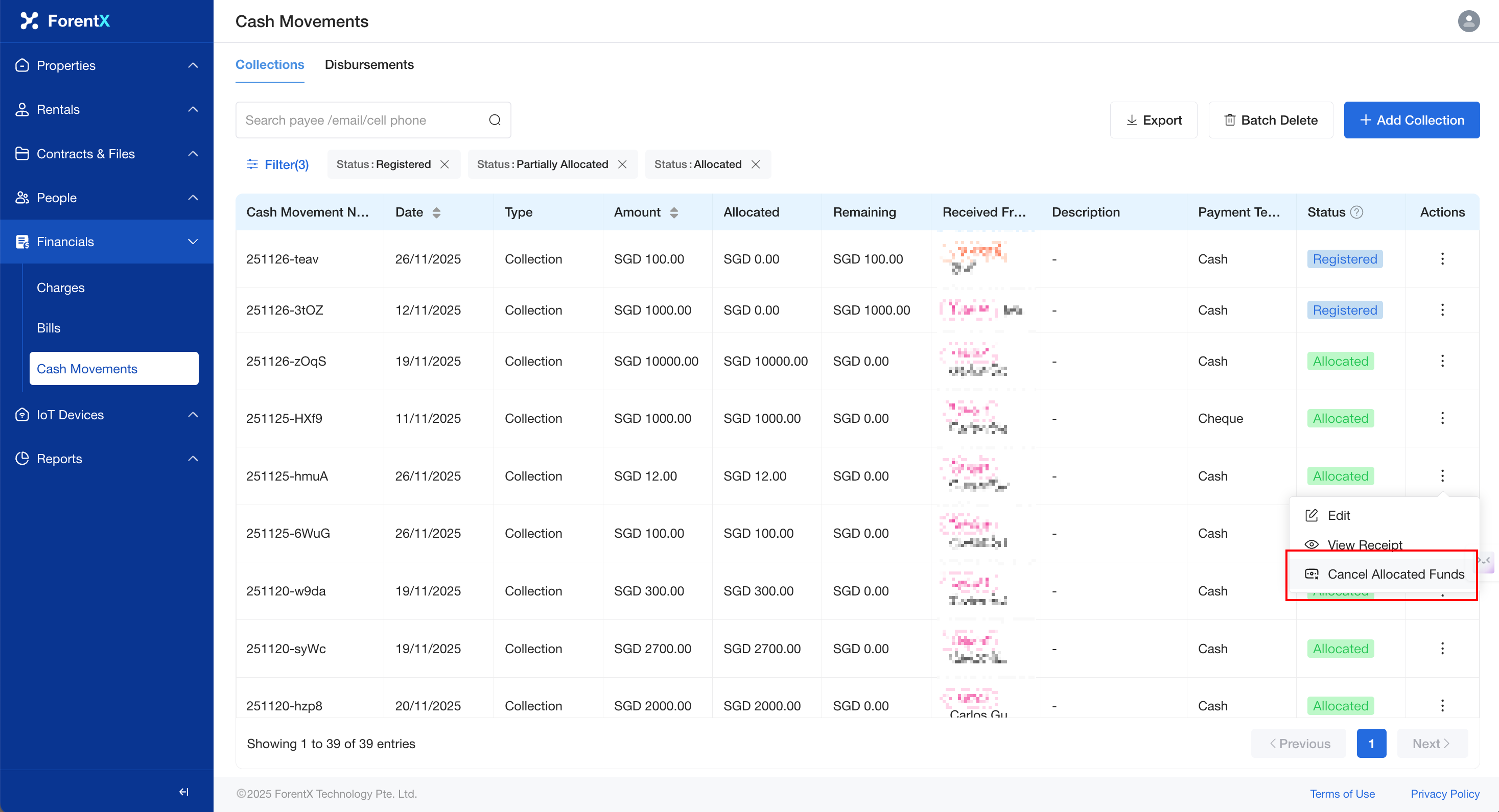
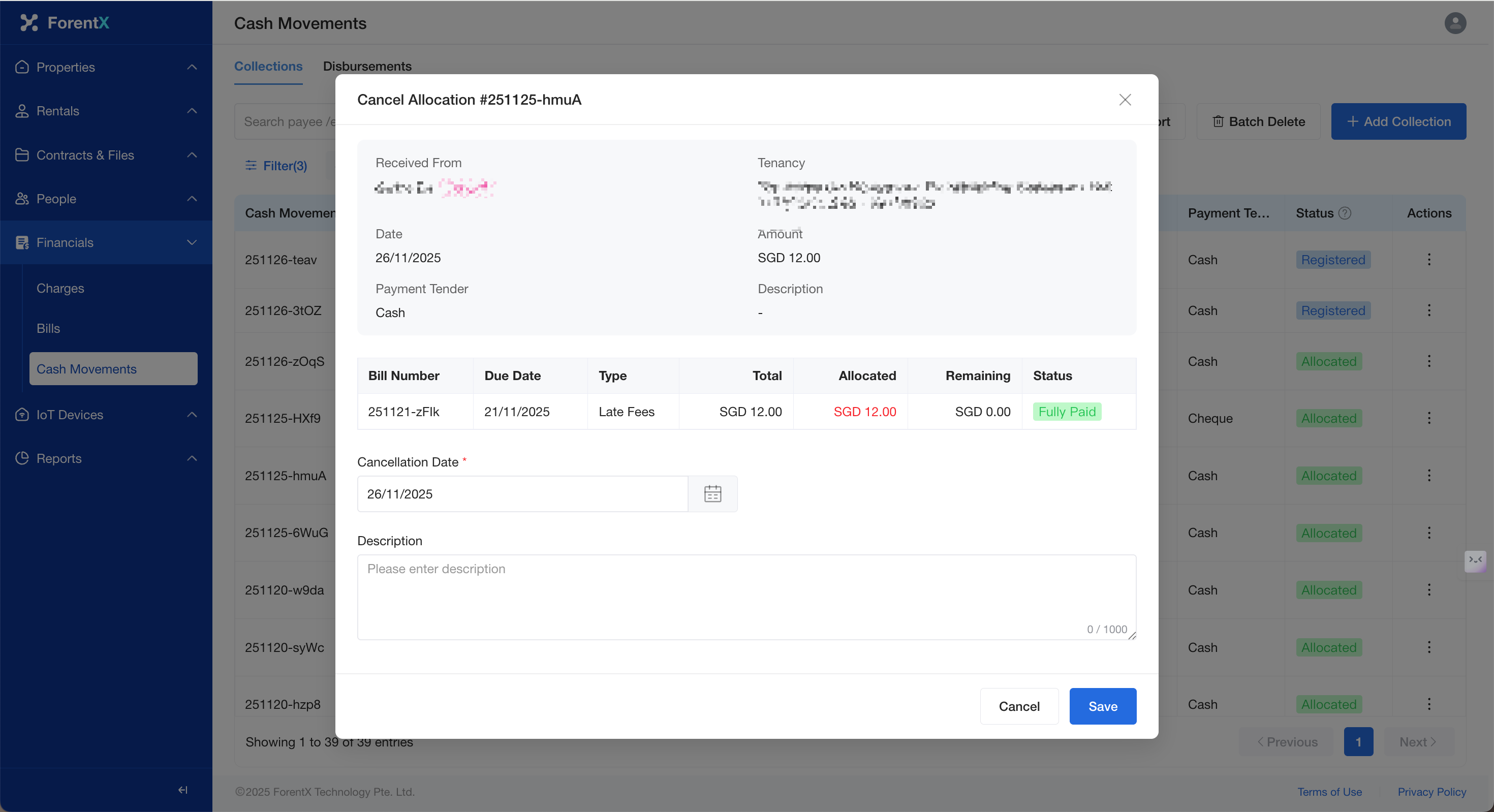
Select the cash movement record that was incorrectly allocated, click [Cancel Allocation Funds], confirm the information, and select the cancellation date. Then, click [Save].
Step 3:
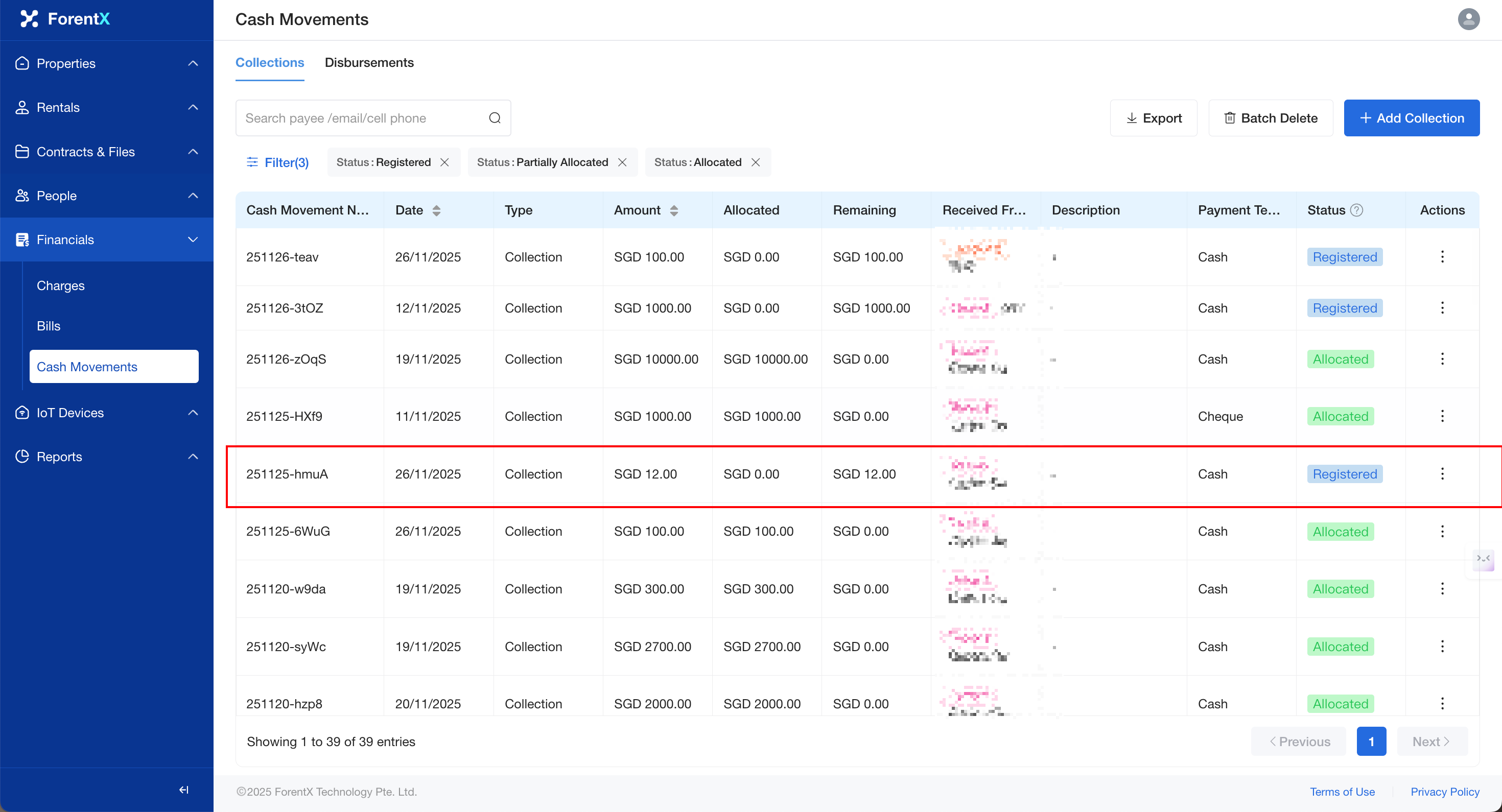
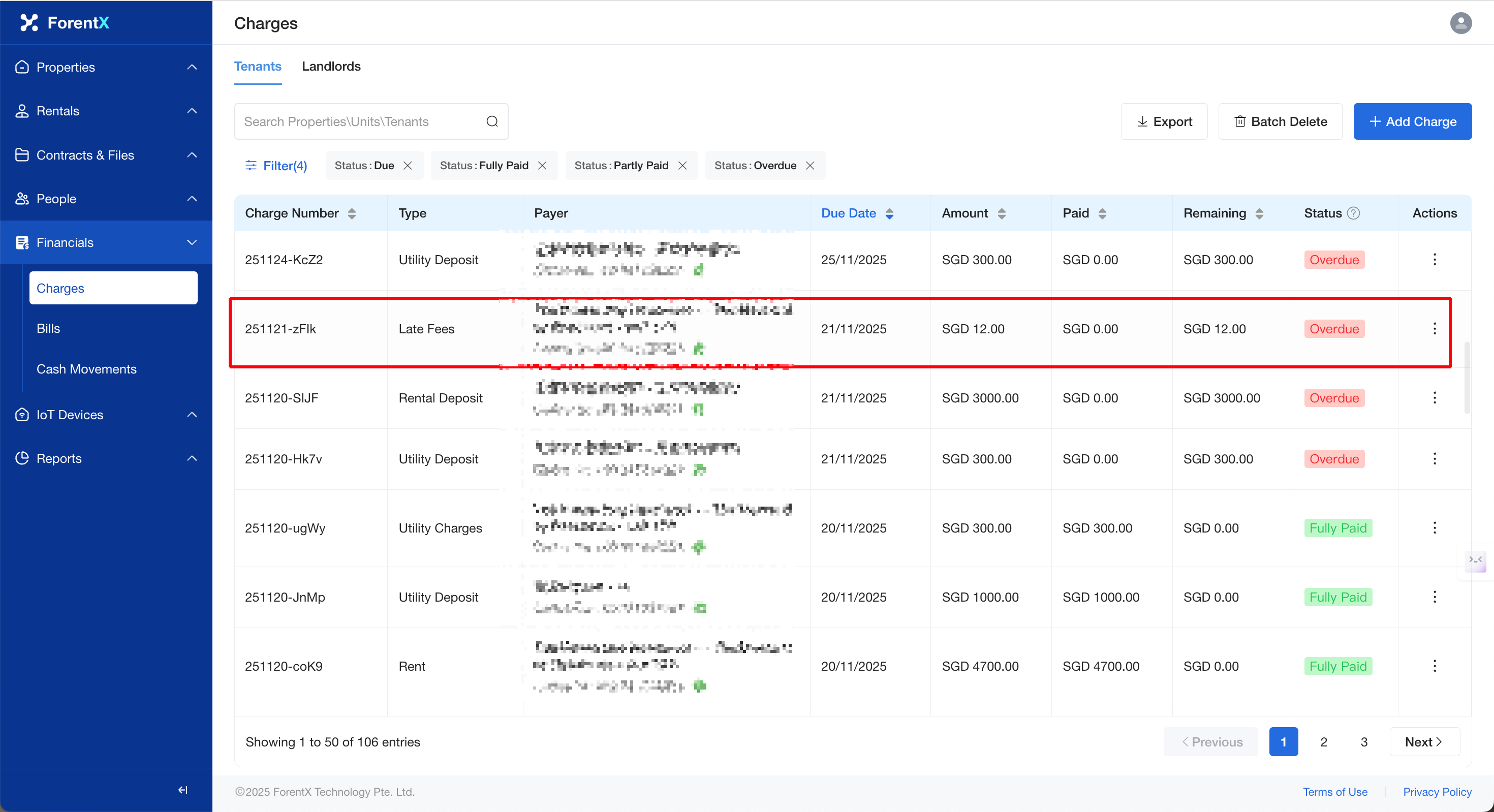
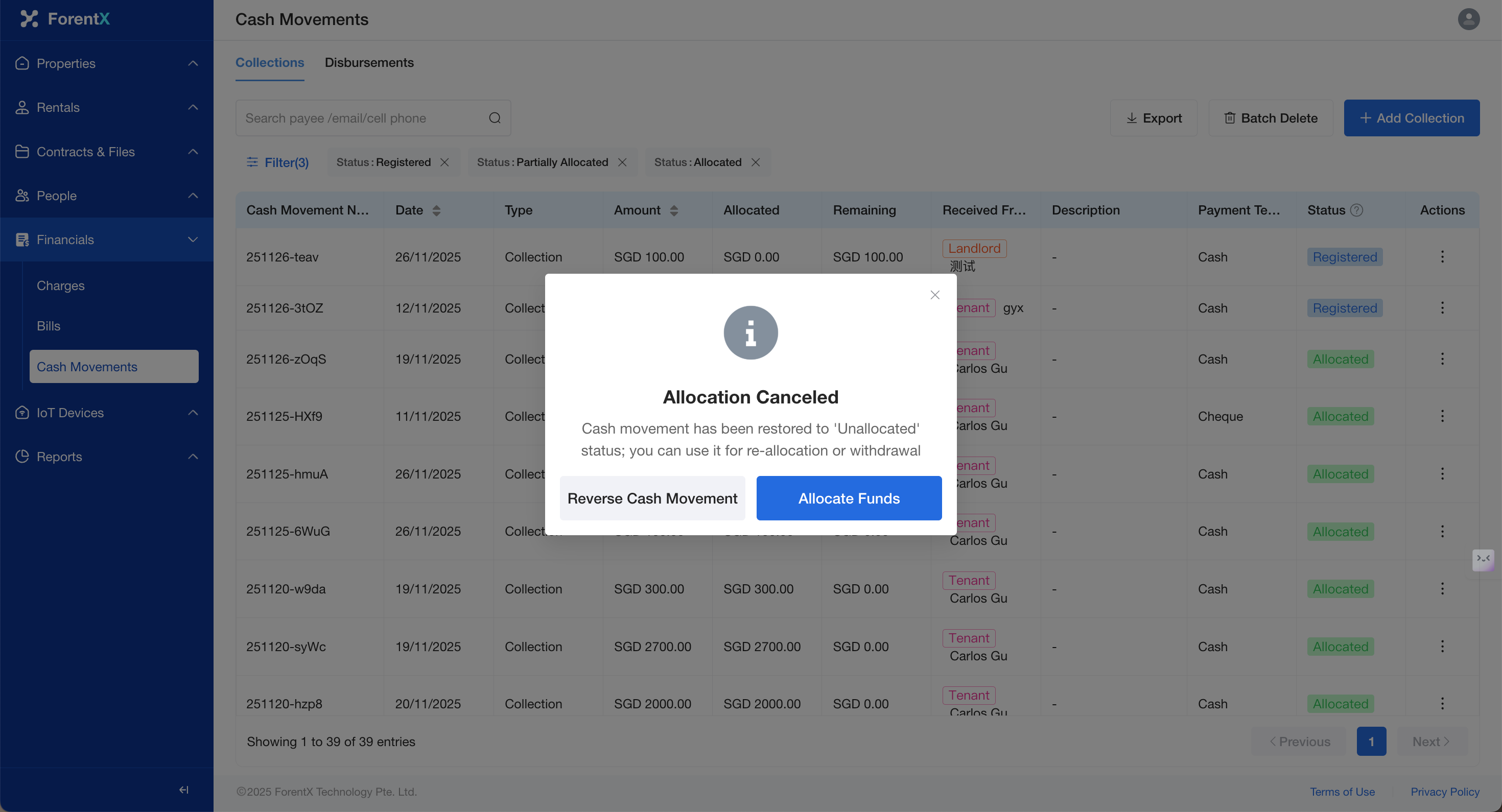
The association is cancelled upon completion, and the status of the bill and the cash movement record will revert to their previous state.
Friendly Reminder: If you need to proceed with further allocation or reversal, you may click the corresponding button to perform the next step.
No comments to display
No comments to display